Lab design · Grades K-12
Makerspace Lab
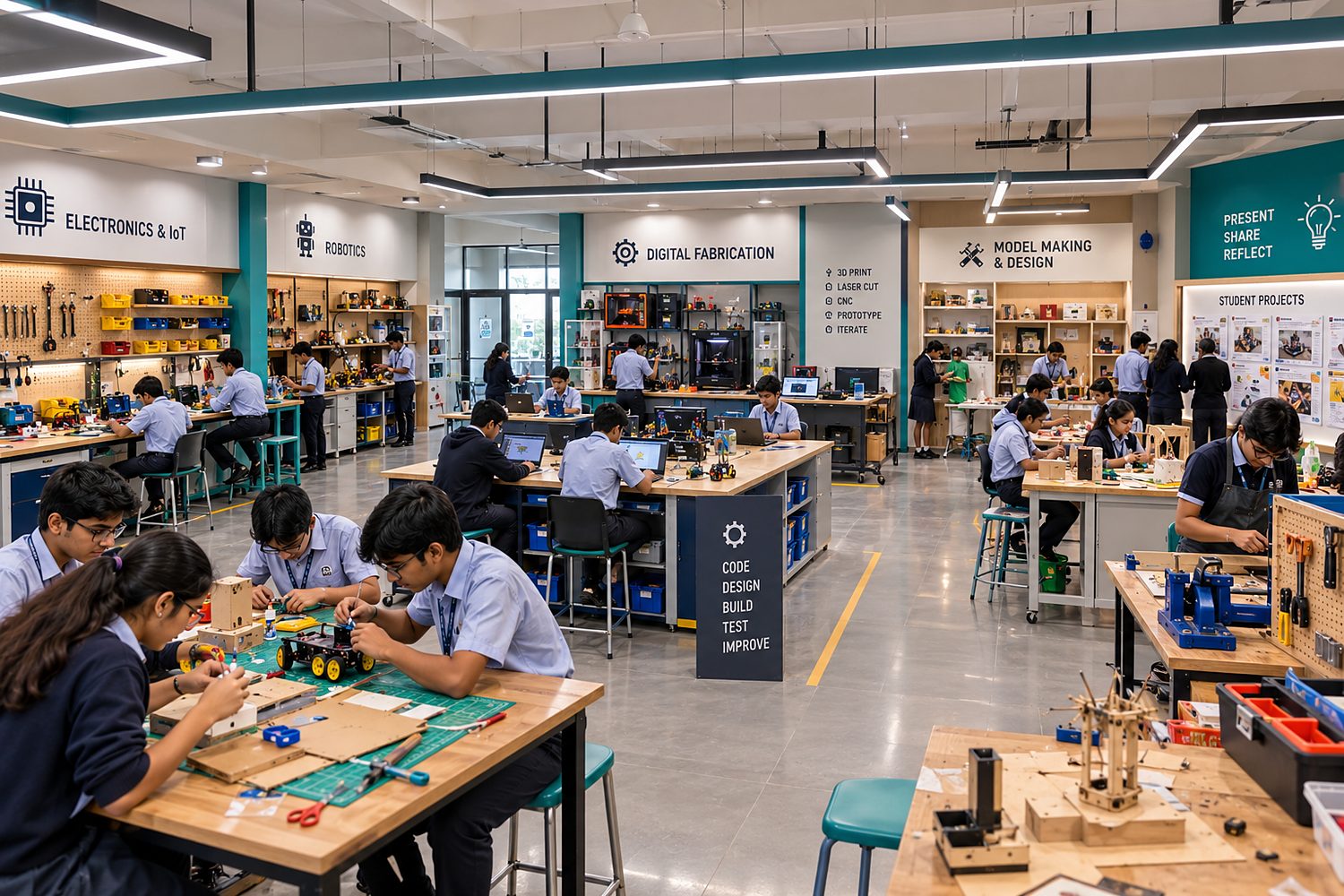
A flexible design-and-build studio where students prototype real solutions with digital and hand tools.
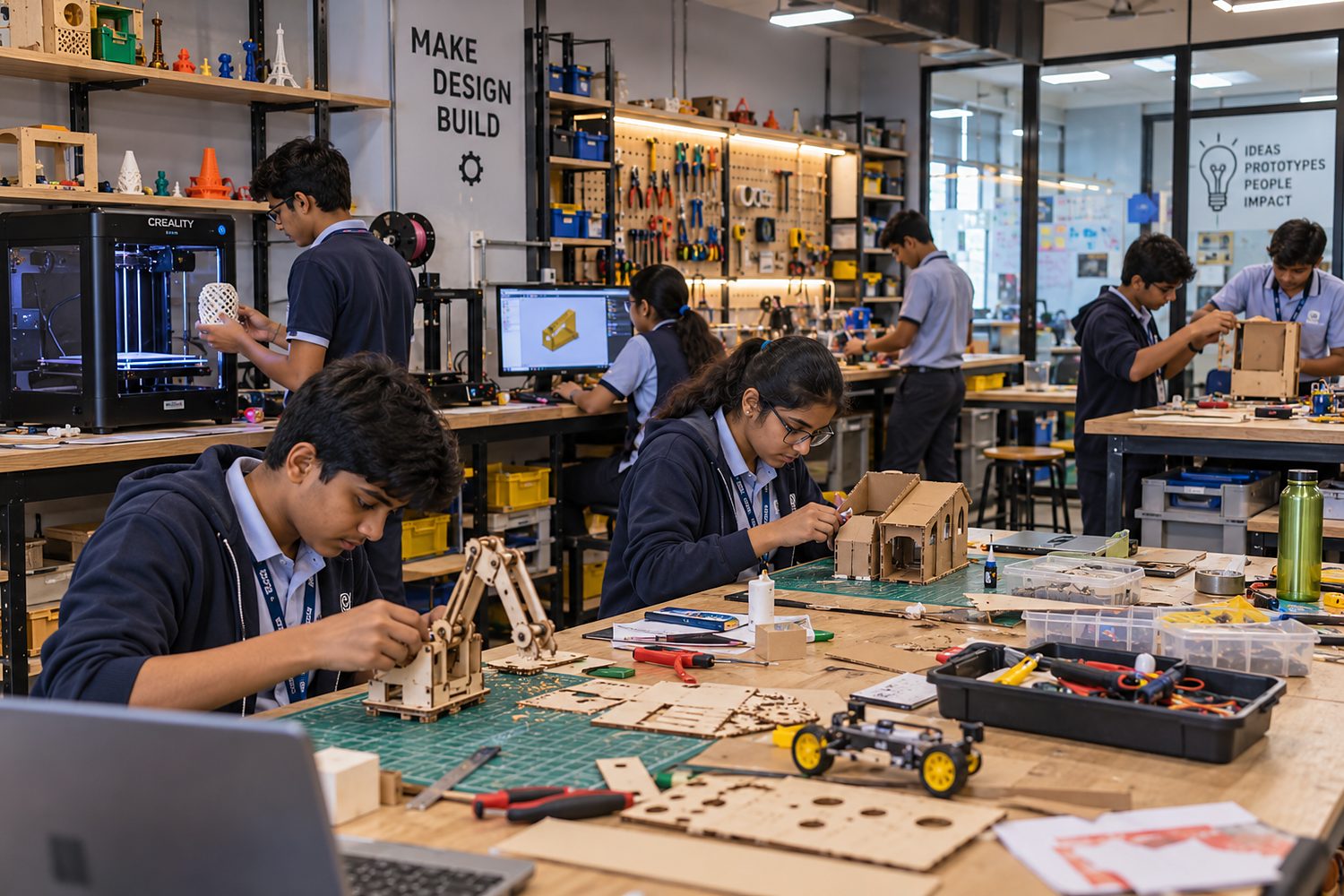 Illustrative image
Why this lab
A Makerspace is where ideas become objects. Students identify a problem, sketch, model in CAD, prototype with cardboard or 3D printing, test and improve - the full design-thinking cycle.
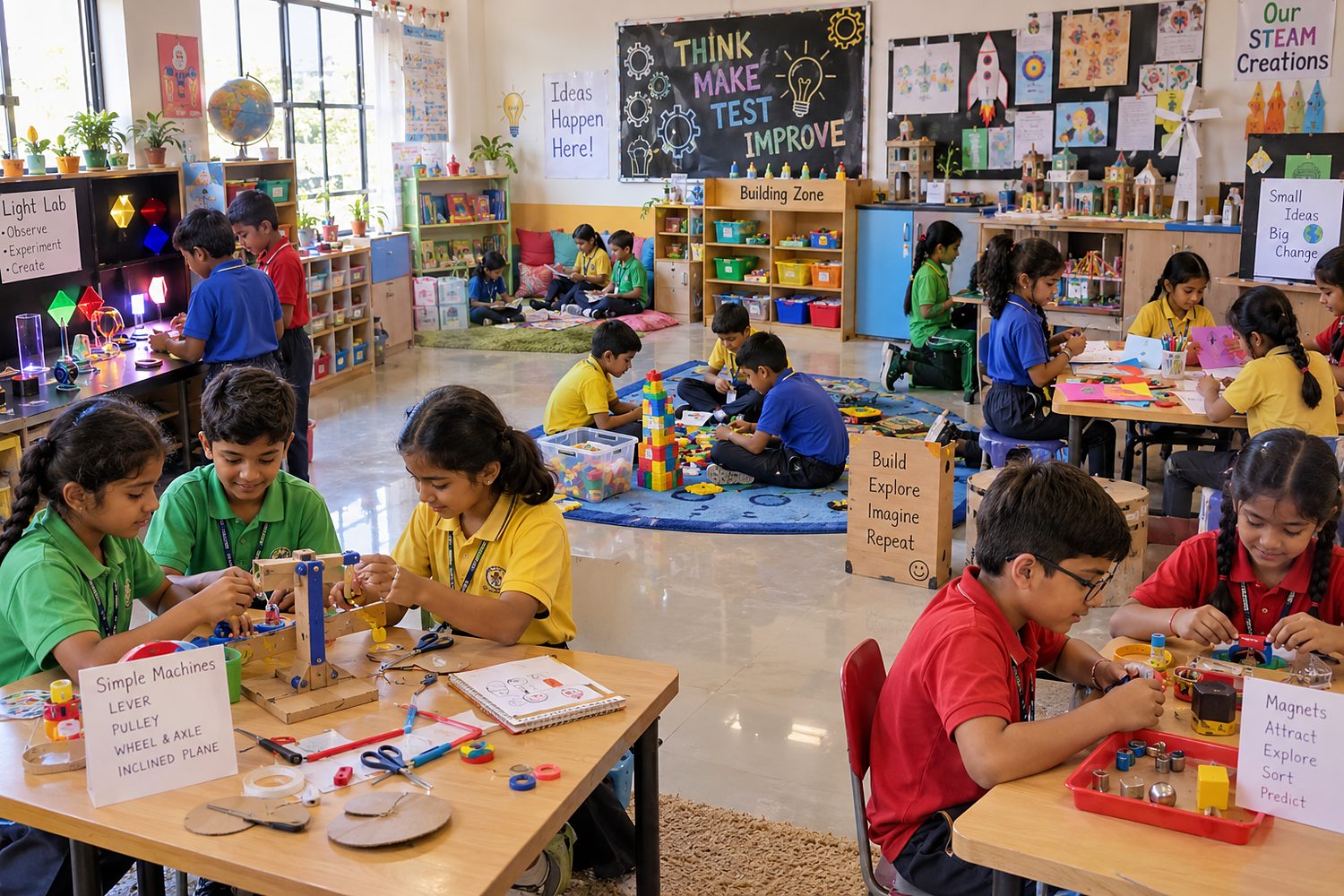
The design focuses on flexible furniture, clear safety zones, sensible tool choices for each age group and a project bank teachers can pick up and run from week one.
What's inside
- 3D printers and CAD design stations (Tinkercad, Fusion 360)
- Laser or vinyl cutter, matched to age group
- Hand-tool and light woodwork bench
- Cardboard and low-cost rapid prototyping zone
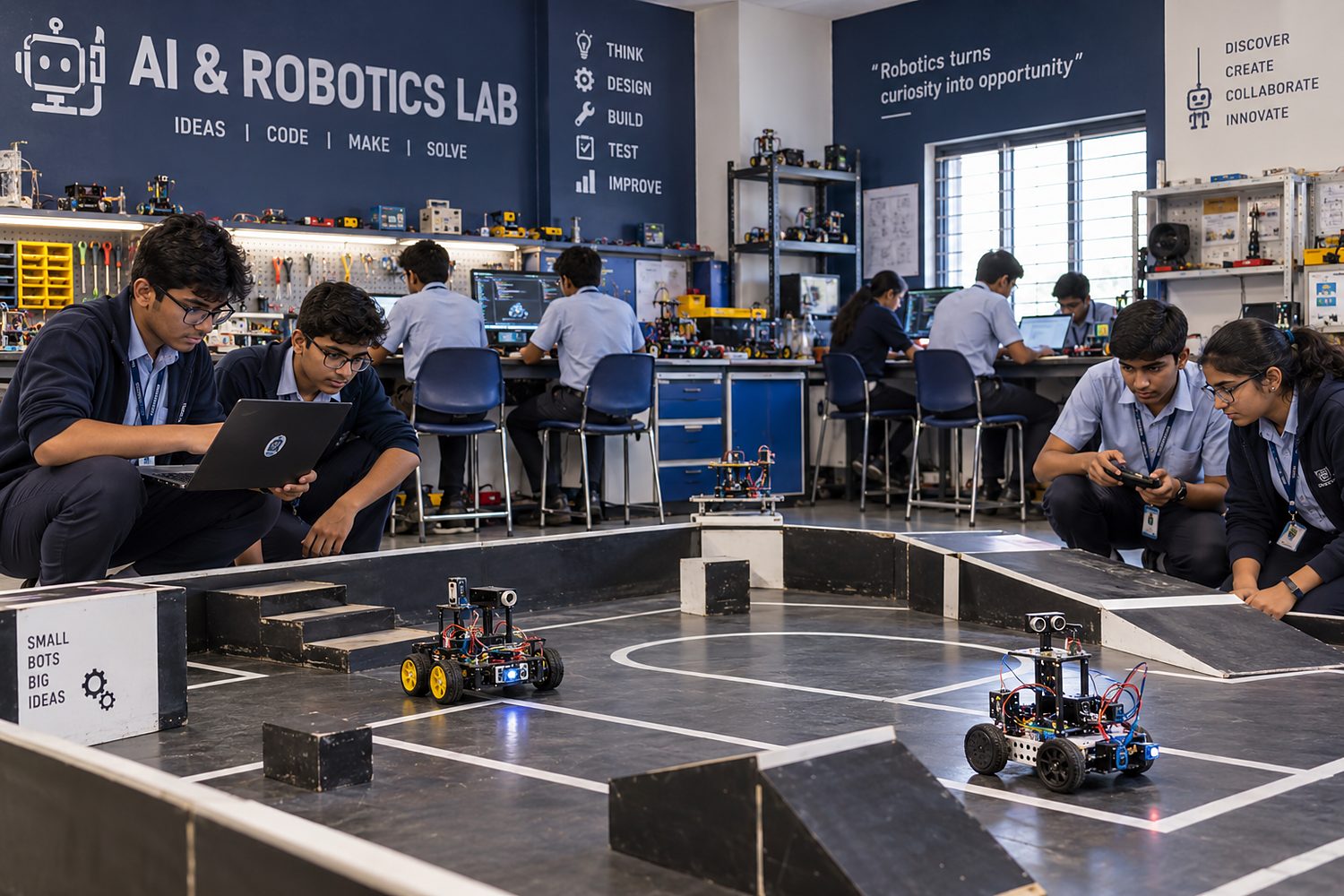
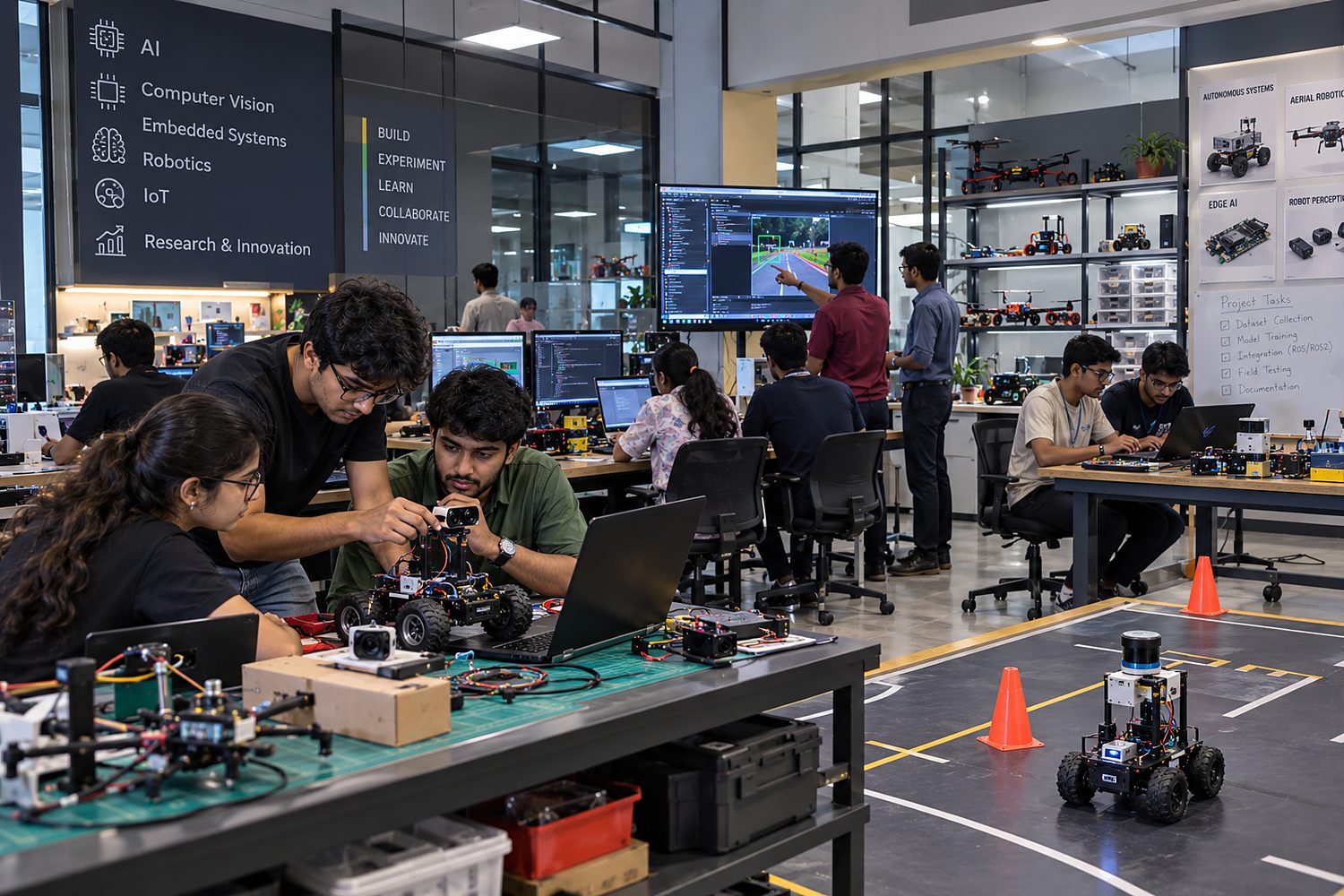
- Electronics and e-textiles corner
- Pin-up wall for design reviews and showcases
What students learn
- Apply the design-thinking cycle end to end
- Turn a CAD model into a physical prototype
- Use tools safely and confidently
- Collaborate, critique and iterate as a team
- Document and present their work
How we'll set it up
- 1Needs & Space Assessment
- 2Lab Layout & Technology Planning
- 3Equipment, Vendor & Budget Planning
- 4Curriculum & Timetable Mapping
- 5Teacher / Faculty Enablement
- 6Launch & Implementation Support